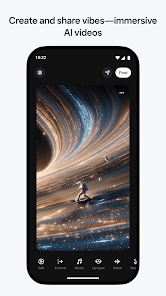
Create and Share
Generate immersive AI videos and share them into a creative feed.
 Vibe SAIGet it onGoogle Play
AI video creation feed
Generate immersive AI videos and share them into a creative feed.
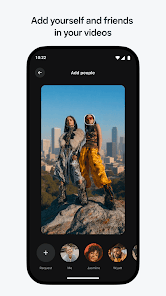
Feature yourself and friends in scenes when you have consent and the right images.
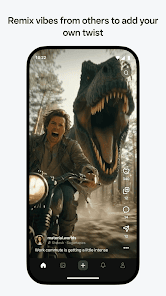
Add a new twist to discovered videos by changing the scene, people, or dialogue.
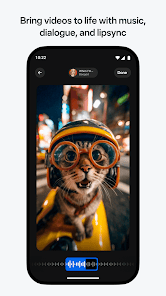
Bring videos to life with music, dialogue, and lip-sync tools.
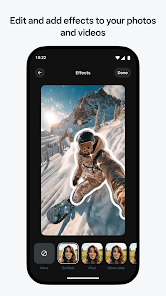
Adjust photos and videos using effects, backgrounds, moods, and presets.
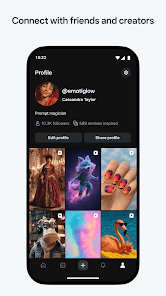
Follow creators, discover ideas, and send favorite vibes to friends.

Generate AI videos of yourself, friends, or imagined scenes; then remix discoveries, edit effects, and share into a creator feed.
Vibes is built around remixable AI video moments: start from an idea, add people, restyle the scene, then share or send the final result.
Begin with a prompt, a photo, or a short video idea you want to turn into an AI scene.
Use yourself or friends only with permission, then check faces and context before sharing.
Change mood, background, dialogue, music, or effects to make the result feel specific.
Post into the feed, inspire a remix chain, or send the finished video to friends.
Use prompts, photos, or videos to generate a fresh scene.
Add yourself or friends, then check consent, identity, and context.
Bring clips to life with music, custom dialogue, lip sync, moods, and effects.
Share to the feed, follow creators, or send a finished vibe to friends.
Use Google Play to install Vibes - AI Video Creation. This site keeps support details, privacy notes, refund guidance, and terms easy to find.